Know when you can leave. Know where you stand.
Cloksy tracks your work hours in a couple of taps, and shows your month against your target. Private, offline and free of accounts.
For Android 11 and newer
Cloksy tracks your work hours in a couple of taps, and shows your month against your target. Private, offline and free of accounts.
For Android 11 and newer
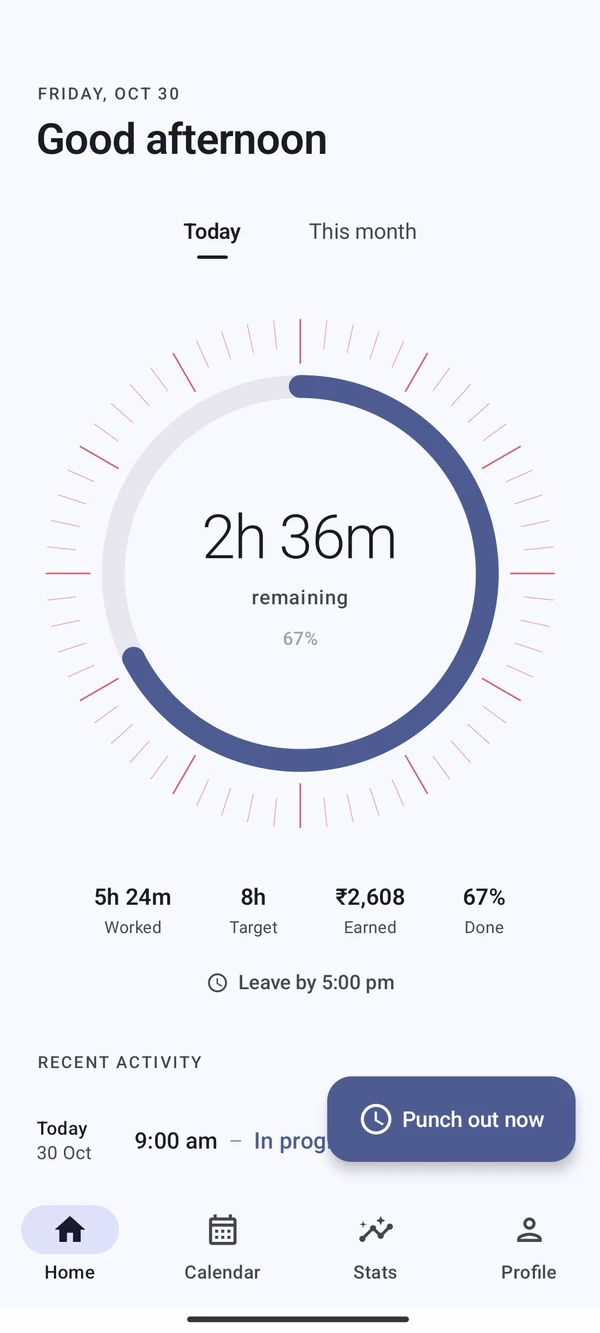
From the app, a Home-screen widget, a Quick Settings tile or the notification shade. In the app you confirm the time first, so a stray touch never records anything.
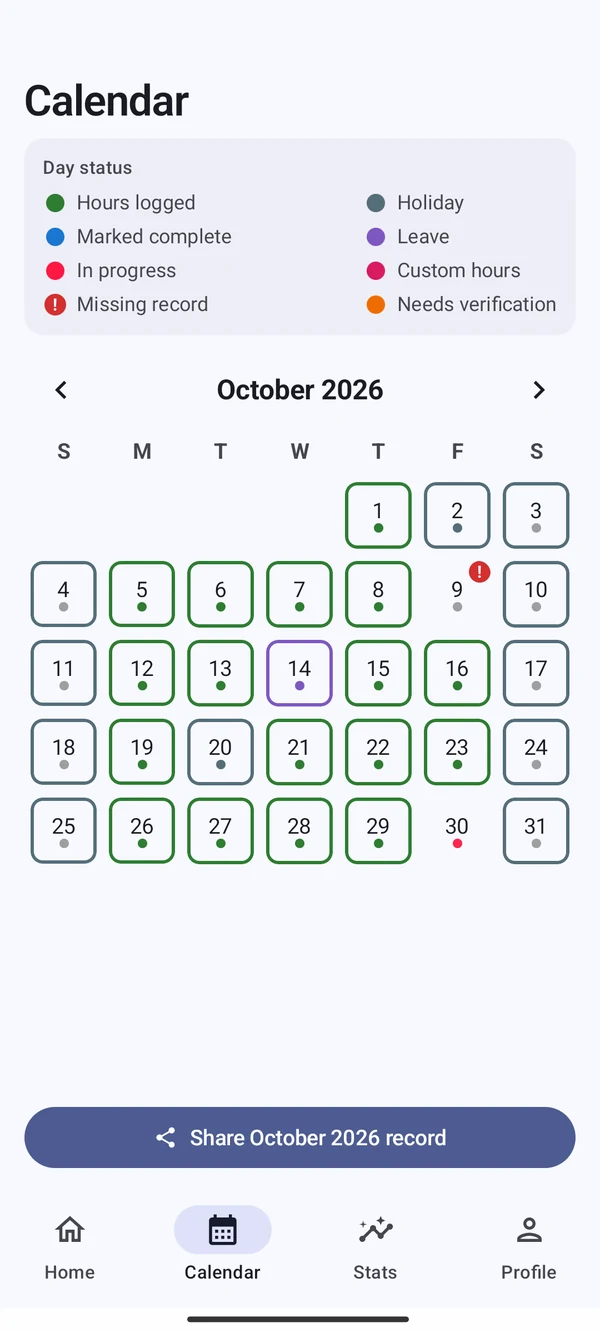
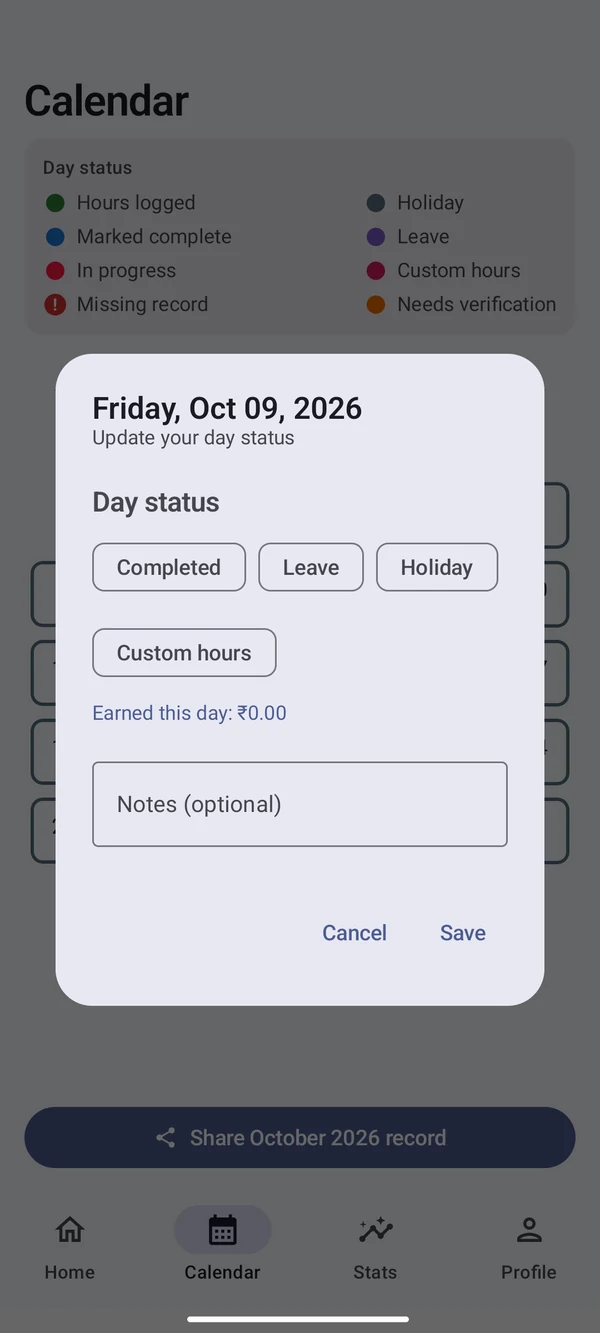
Every day is logged, marked or missing, and you can see which at a glance. Fix a gap in seconds and the totals update themselves.
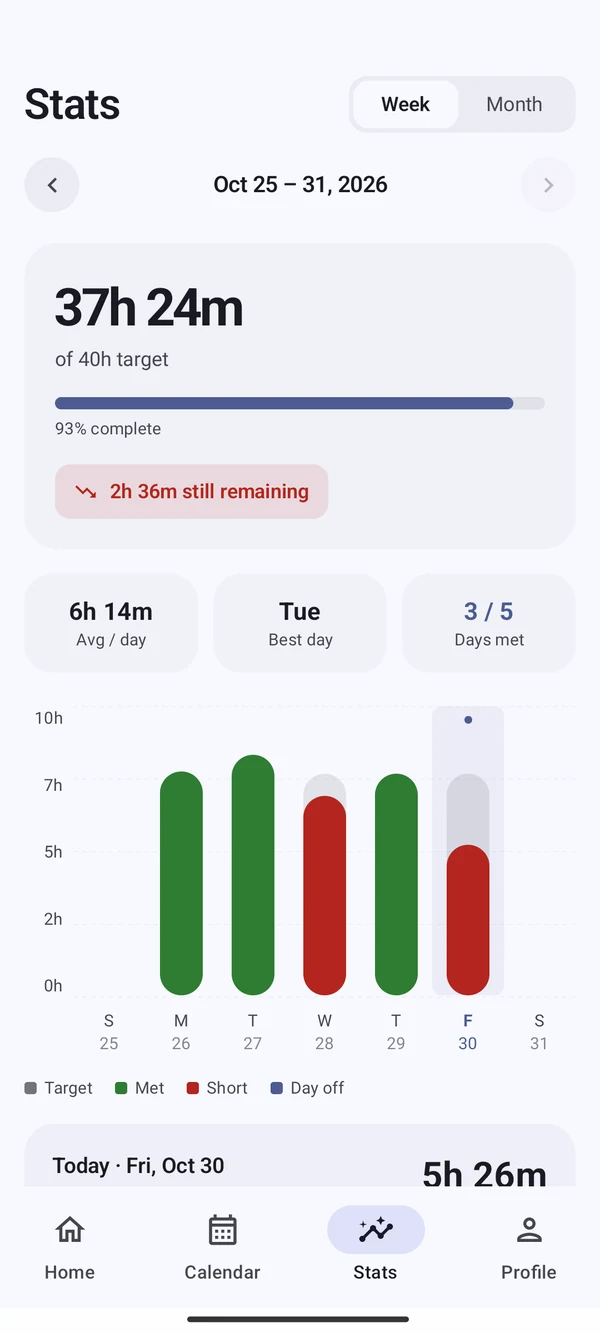
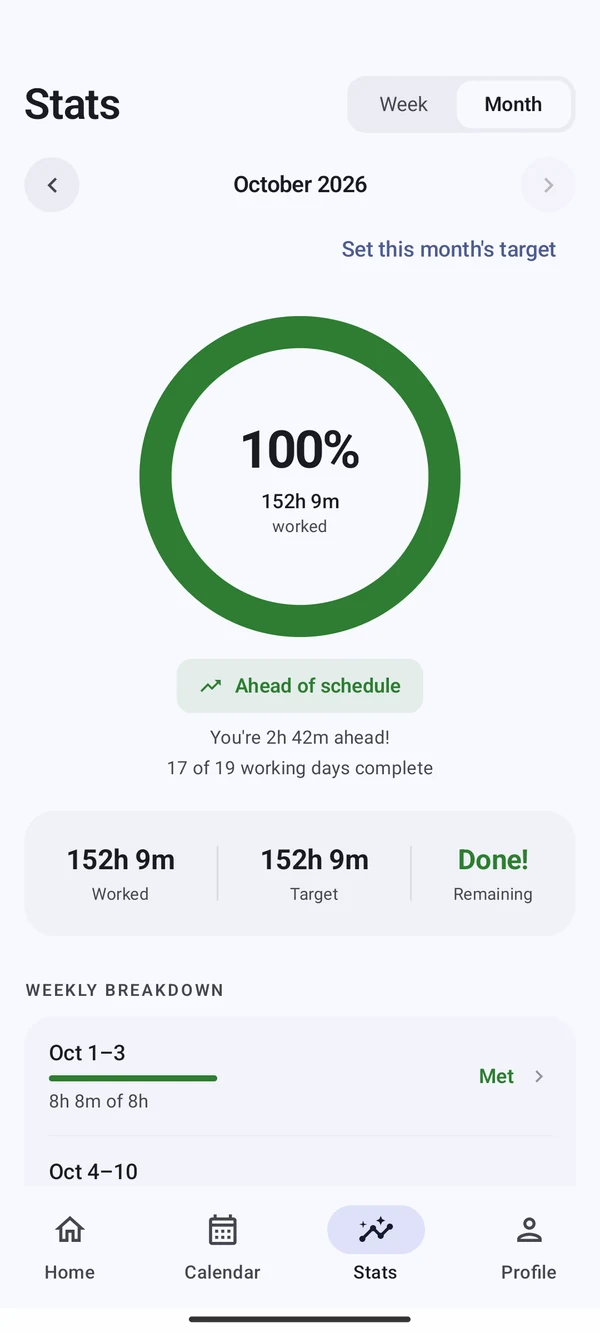
No chart-reading homework. Cloksy gives a verdict for the week and the month, and tells you how much extra per day gets you back on target.
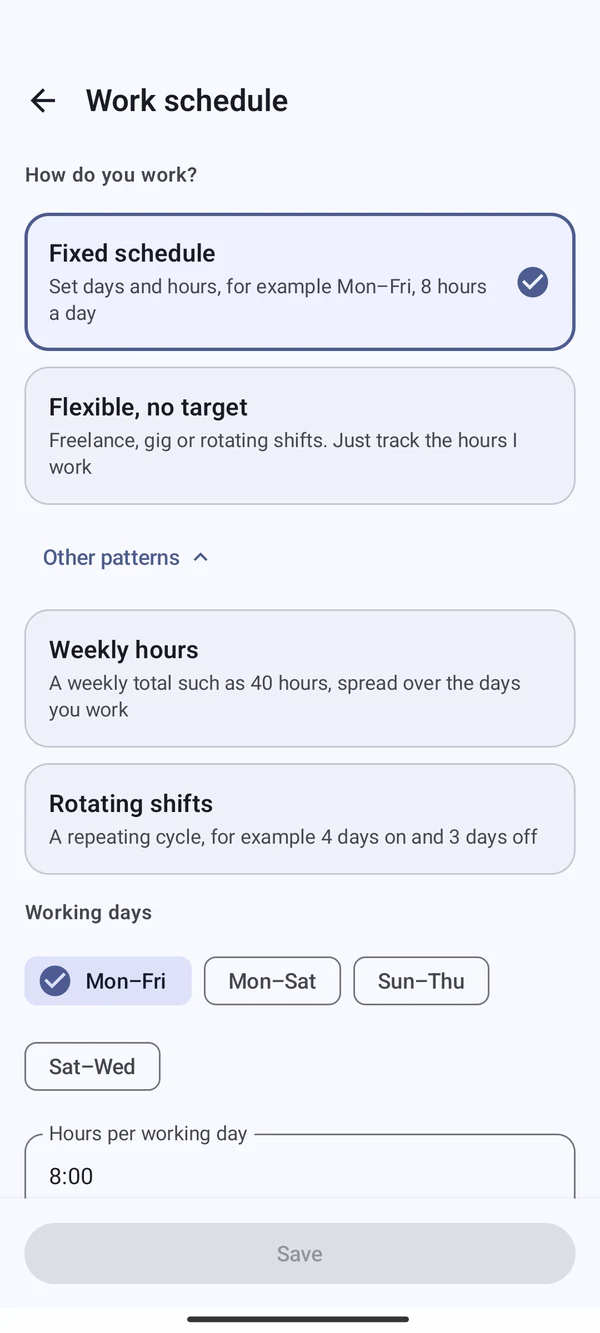
Not everyone works Monday to Friday, nine to five. Pick a pattern once and every target, day off and month is calculated for you.
Everyone does it once. Cloksy catches it, asks first, and never leaves your hours silently wrong.
"Don't forget to punch out!" Tap Enter time, or Still working to snooze for an hour.
If you do nothing, Cloksy estimates your finish from your target and tells you it did.
The day is flagged. Open it, correct the time if needed, and the flag clears.
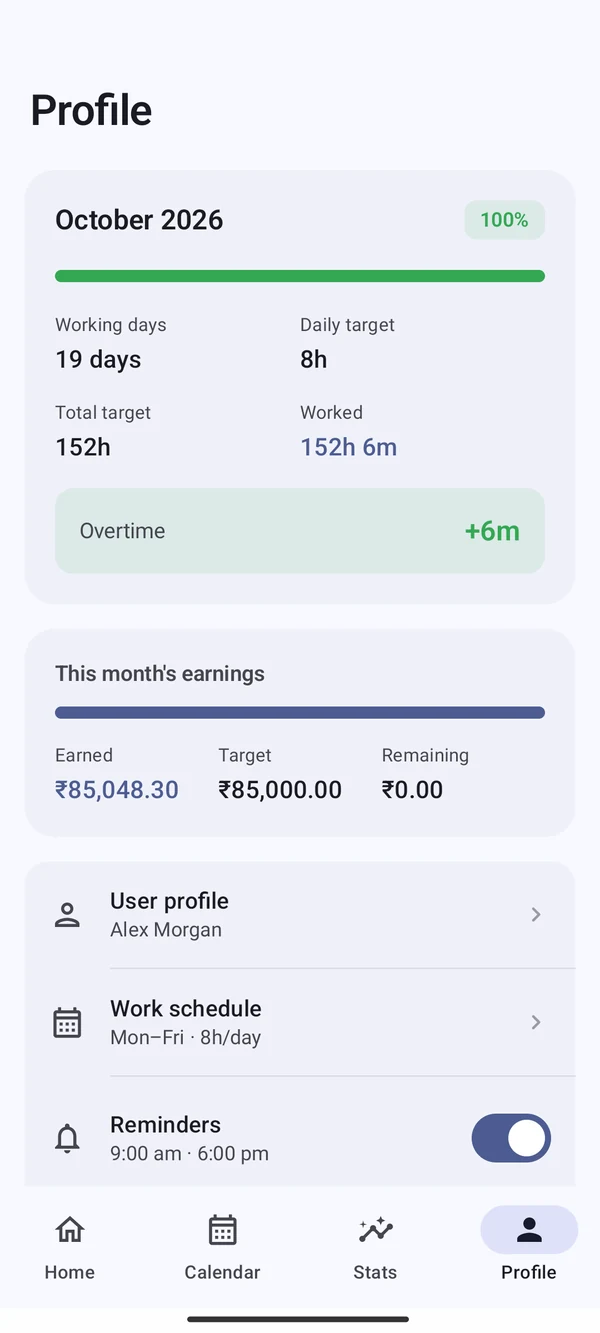
A clean monthly PDF for your manager, or every punch in Excel or CSV for your own records. Add an optional earnings estimate when you want to see what your hours are worth.
Cloksy does not just promise to protect your data. It is built so there is no data to collect. No servers, no sign-in, no analytics.
The complete list of permissions is Notifications Run at startup Wake lock, to deliver reminders and keep them after a restart. No location, contacts or storage.
Hit a monthly target from HR, with alternate Saturdays handled correctly.
Rotating cycles like 4 on, 3 off, with the right targets every month.
Flexible mode just totals your hours, with no behind-schedule warnings.
A weekly total such as 20 hours, spread over the days you work.
Cloksy 1.0 does one thing well: tracking hours with no strings attached. Here is what people have asked for, and where it stands.
Arrive at work and punch in on its own, leave and punch out. You choose the places, and your location stays on your phone. It stays off until you turn it on.
A way to keep your history safe and move it to a new phone. If it arrives, it will be strictly optional, and the app will keep working fully offline without it.
Watch support and quicker punching from more places, so recording your day takes even less thought.
Plans can change, and only location is committed for the next release. Have a request? Tell us.
No. There is no sign-up, and the app does not even request internet access. It works fully offline.
You get an alert, can enter the real time or snooze for an hour, and if you do nothing Cloksy estimates your hours at midnight and asks you to verify them.
Not in version 1.0, but auto punch with location is planned for the next version. It will be optional, and your location will stay on your phone.
It is an estimate for personal planning, based on what you enter. It is not payroll or an official record.
Yes. Export an Excel workbook or CSV from Profile, or share a PDF report from the Calendar.
Set up in about a minute. Your hours stay on your phone.
 Cloksy · now